
Fiber Basics
Single-Mode vs Multimode Fiber: How to Choose (2026)
Single mode and multimode fiber are not competitors in the same race — they are two deliberately different fiber systems that split the market by distance and optics economics. Single-mode fiber (roughly 9 µm core) guides one light mode and is the default for anything measured in kilometers: telecom backbones, FTTH/PON access, campus and metro links, and the growing share of data center spine links. Multimode fiber (50 µm or 62.5 µm core) guides many modes and is the default inside buildings and data centers, where 850 nm optics are cheaper and runs stay under a few hundred meters. Neither is "better": multimode usually wins on short-reach cost, single mode wins on reach, bandwidth ceiling, and upgrade headroom — and the same network commonly contains both. This guide compares them across core geometry, light source, real distance limits by grade, whole-link cost, color coding, connectors, and mixing rules, then closes with a five-question path to the right call for your build. If you need the broader fiber-versus-copper context first, our fiber vs copper cable guide covers why glass is in the network at all, and the Fiber Optics 101 hub is the index to this entire cluster.
The short answer, before the detail: measure your longest planned link. Over ~300–400 m, or where you expect 100G-and-up growth on dark fiber you want to keep for a decade, plan single mode (OS2). Under that, where switch-to-switch runs stay short and optics budget matters today, plan multimode (OM4 or OM5) with 850 nm SR optics. Everything below explains why that line sits where it does — and where it does not apply.
Single Mode vs Multimode Fiber at a Glance
Property | Single-Mode Fiber | Multimode Fiber |
|---|---|---|
Core / cladding | ~9 µm / 125 µm | 50 µm / 125 µm (OM2–OM5) or 62.5 µm / 125 µm (OM1) |
Light path | One mode straight down the core | Many modes (graded-index core aligns their arrival) |
Typical wavelengths | 1310 nm / 1550 nm (laser; G.652.D also 1260–1625 nm) | 850 nm (VCSEL); legacy 1300 nm / LED |
Key distance limit | Chromatic dispersion at very high rates; practical links km to 80+ km per reach spec | Modal dispersion / bandwidth-distance; tens to ~550 m per grade |
Typical attenuation | ~0.35–0.4 dB/km @1310 nm, ~0.2–0.3 dB/km @1550 nm | ~2.5–3.5 dB/km @850 nm |
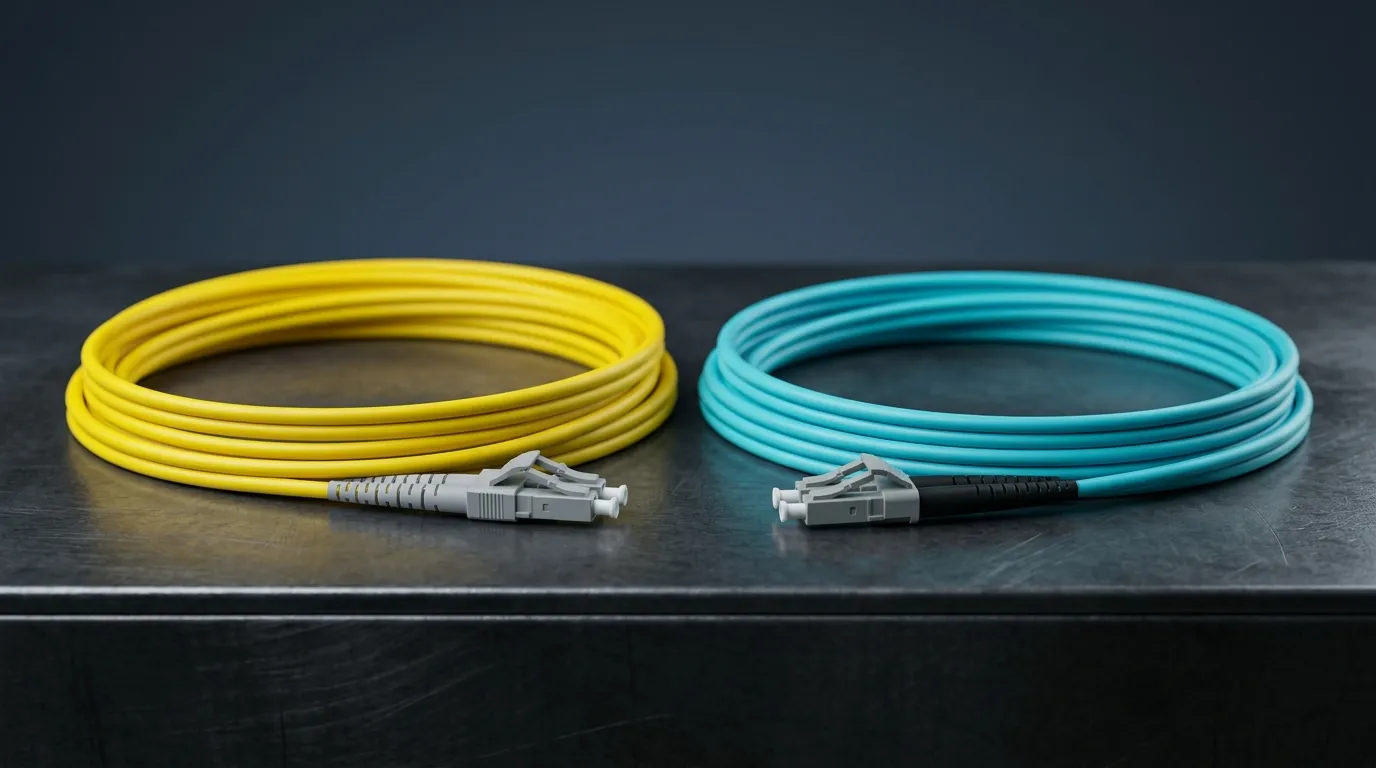
Jacket color (TIA-598 convention) | Yellow (OS1/OS2) | Orange (OM1/OM2), aqua (OM3/OM4), lime green (OM5) |
Transceiver cost at same rate | Higher (laser + tighter alignment) | Lower for short reach (850 nm VCSEL) |
Upgrade headroom | Very high — the "future-proof" choice | Bound by grade; OM5/SWDM extends it |
Typical home turf | Backbones, FTTH/FTTA, campus, WAN, DCI | LAN, building backbone, data center intra-rack/row |
Designation standard | OS1 / OS2 (ISO/IEC 11801; OS2 ↔ ITU-T G.652) | OM1–OM5 (ISO/IEC 11801; TIA-492) |
One row deserves emphasis before we go deeper — the wavelength row. The 850 nm / 1310–1550 nm split is the real economics engine: cheap vertical-cavity surface-emitting lasers (VCSELs) at 850 nm are what make multimode links inexpensive at short reach, and the tighter tolerances of long-wavelength single-mode optics are what make them more expensive. Core size drives reach; wavelength economics drive cost.
Core and Cladding: The 9 µm vs 50/62.5 µm Difference
Both fiber families share the same 125 µm glass cladding — the outer diameter that every connector, splice sleeve, and panel is built around. What differs is the core, the inner glass region that carries light. A single-mode core is about 9 µm across (manufacturers quote the mode-field diameter, roughly 9 µm at 1310 nm for G.652 fiber), small enough that at telecom wavelengths only one propagation path — one mode — exists. A multimode core is 50 µm (all modern grades, OM2–OM5) or the legacy 62.5 µm (OM1); at 850 nm that larger core supports hundreds of modes bouncing down the fiber at slightly different angles.
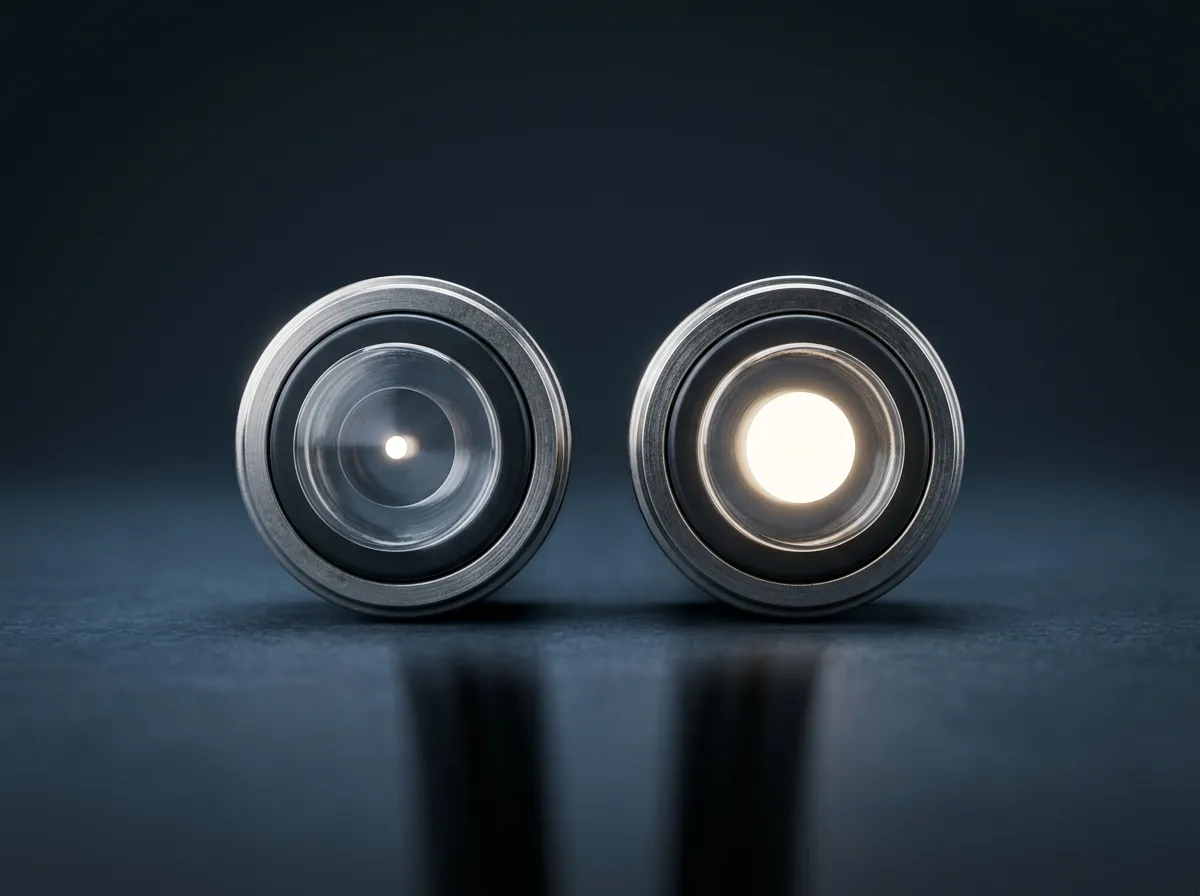
Side by side, the difference that starts everything: a 9 µm core against a 50 µm core, both wrapped in the same 125 µm cladding.
Those extra modes are the entire story of multimode's distance ceiling. Each mode travels a slightly different path length, so a pulse launched into many modes arrives at the far end smeared across time — modal dispersion. Graded-index multimode fiber is engineered with a refractive-index profile that slows the on-axis modes and speeds the outer modes so they arrive close together, which is what pushes modern multimode to hundreds of meters instead of tens. But the correction is imperfect, and the residual dispersion scales with length: beyond a few hundred meters at 10G+, or tens of meters at 100G+, the eye diagram closes. Single mode has no modal dispersion at all — there is only one path — so its practical reach is set by other physics: attenuation, then chromatic dispersion at very high line rates, which is why 80 km 100G links use external or integrated dispersion compensation and coherent optics.
Two cable-level labels matter when you buy. OS1 and OS2 are the single-mode categories in ISO/IEC 11801: OS1 is the legacy indoor-oriented designation specified mainly at 1310 nm, while OS2 designates low-water-peak fiber — in practice ITU-T G.652.D — specified across the full 1310–1625 nm range, which is what outdoor and long-haul plant is built on today. OM1–OM5 are the multimode categories: OM1 is the 62.5 µm legacy grade, OM2 the first 50 µm grade, and OM3–OM5 are the laser-optimized 50 µm grades that matter in current designs. The OM grade table, effective modal bandwidth numbers, and exactly what each grade buys you at each speed live in our dedicated OM1–OM5 multimode grades comparison; this article treats them as the multimode family's speed ladder. (The single-mode side has its own detail too: single-mode optical fiber covers the OS designations and the fiber families behind them.)
Light Sources and Wavelengths: Why 850 nm and 1310/1550 nm Matter
The light source is not an implementation detail — it decides which fiber can be cheap.
Multimode runs at 850 nm, where VCSELs are manufactured with semiconductor processes that make them dramatically cheaper than edge-emitting lasers of equivalent speed. That is the engine of multimode's cost advantage: an 850 nm short-reach module is the lowest-cost optics per port at 10G, 40G, and 100G. The older OM1/OM2 generations were designed around LEDs at 850/1300 nm; OM3 and above are laser-optimized — the fiber itself is specified to work with 850 nm VCSEL transmitters, not LEDs. OM5 goes a step further and is specified across 850–953 nm so one pair can carry four SWDM wavelengths at once (the "four OM4 cables in one" trick for 40G/100G over two fibers instead of eight).
Single mode runs at 1310 nm and 1550 nm (GPON data runs 1490 nm downstream / 1310 nm upstream; 1550 nm is the optional RF-video overlay), where attenuation is a fraction of the 850 nm value — roughly 0.35–0.4 dB/km at 1310 nm and 0.2–0.3 dB/km at 1550 nm for G.652-class fiber. Lasers for these wavelengths (Fabry–Pérot, DFB, and WDM-based) are more expensive to make and to align to a 9 µm core, which is why single-mode ports cost more at every speed. The wavelengths also explain the classic warning never to mate a multimode transceiver to a single-mode fiber: an 850 nm VCSEL will not couple useful power into a 9 µm core designed for 1310/1550 nm, and the link will not pass loss budget. The reverse — a single-mode module into multimode fiber — needs a mode-conditioning solution and is only sanctioned in specific legacy cases (1000BASE-LX on old 62.5 µm plant); at 10G and above, treat any SM/MM transceiver mismatch as a design error.
The bandwidth consequence follows the physics: multimode bandwidth is quoted as effective modal bandwidth in MHz·km at 850 nm (OM3 ≈ 2,000, OM4/OM5 ≈ 4,700 MHz·km), and it is consumed by distance — the same fiber that does 400 m at 10G only does 100 m at 100G. Single mode has no such bandwidth-distance product; its ceiling is the transceiver technology attached to it, which is why the same OS2 fiber installed a decade ago now carries 400G DWDM channels. The full OM grade table with EMB figures is in the OM1–OM5 grades comparison linked above, and the OM/OS category system itself is defined by ISO/IEC 11801 and the TIA-492 series.
Distance Limits: Real Reach by Fiber Grade and Data Rate
Distance is the question everyone actually searches ("single mode vs multimode fiber distance"), and the honest answer is that reach is not a property of the cable alone — it is a property of cable grade × data rate × transceiver type. The table below gives the maximum link distances for the Ethernet interfaces that dominate new builds, per the IEEE 802.3 PMD specifications (accessed September 2026):
Interface | Fiber | Max link distance |
|---|---|---|
10GBASE-SR | OM1 / OM2 / OM3 / OM4 | 33 m / 82 m / 300 m / 400 m |
10GBASE-LR | OS2 (G.652) | 10 km |
10GBASE-ER / ZR | OS2 | 40 km / 80 km (ZR is vendor-defined) |
40GBASE-SR4 | OM2 / OM3 / OM4, OM5 | 30 m / 100 m / 150 m |
40GBASE-LR4 / ER4 | OS2 (G.652) | 10 km / 40 km |
100GBASE-SR4 | OM3 / OM4 / OM5 | 70 m / 100 m / 100 m |
100GBASE-CWDM4 | OS2 (G.652) | 2 km |
100GBASE-LR4 / ER4 / ZR4 | OS2 (G.652) | 10 km / 40 km / 80 km |
400GBASE-SR8 | OM4 / OM5 | ~100 m (intra-rack/row) |
400GBASE-DR4 / FR4 | OS2 | 500 m / 2 km |
The reach figures follow the IEEE 802.3 PMD specifications as published in Cisco's 40GBASE QSFP module data sheet, Cisco's 100GBASE QSFP-100G module data sheet, the multi-mode optical fiber reference that summarizes the 10G–100G multimode rows, and the 400G rows per Wikipedia's Terabit Ethernet article (all accessed September 2026). Three practical readings of the table:
- Read the row for the speed you will run, not the speed you buy today. A 100GBASE-SR4 multimode link on OM3 tops out at 70 m — barely across a data center row. If your "short" links are actually 150 m and the roadmap says 100G, plain 100GBASE-SR4 will not get you there even on OM4 (100 m cap) — choose OM5 with 100G BiDi or SWDM4 optics (150 m), or go single mode.
- Single mode's reach is a menu, not a wall. OS2 fiber is speed-agnostic: the same strand runs 10GBASE-LR at 10 km today and, re-lit with new optics, 400GBASE-FR4-class links or DWDM channels tomorrow. Multimode's reach shrinks as speed rises because bandwidth-distance is consumed.
- "Up to" is doing real work. The figures are worst-case standard link segments. Engineered links with better connectors and loss budgets can exceed them (Cisco's extended-reach 40G modules push multimode to 300–400 m on OM3/OM4 — QSFP-40G-CSR4, MPO — and the duplex CSR-S variant reaches 440 m on good OM5), and conversely a dirty connector or a bad splice eats reach you were counting on. If you are planning at the edge of a reach limit, bring fiber testing and loss-budget discipline into the workflow (see the identification and testing notes below).
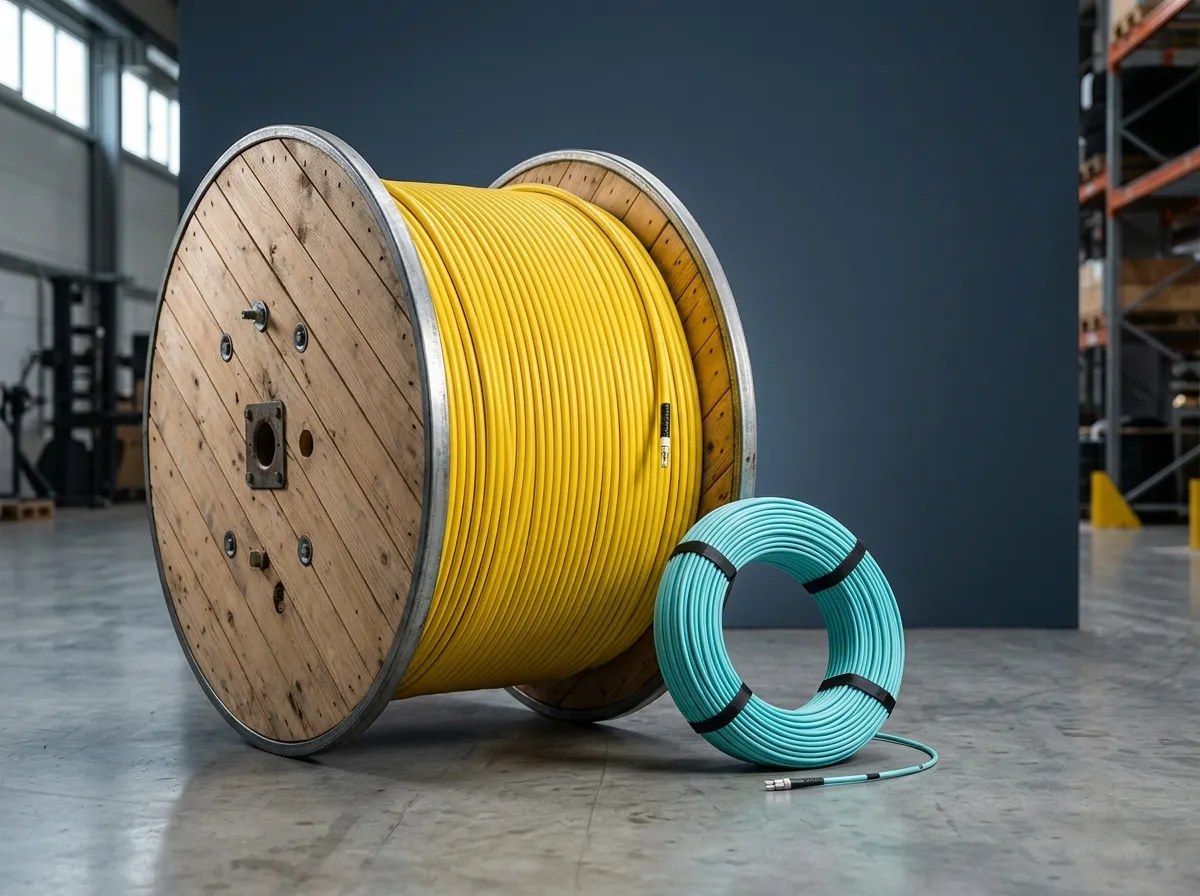
Long-reach plant is overwhelmingly outdoor OS2 loose-tube cable; the distance story starts with the cable's environment and ends with the transceiver's reach spec.
Cost: Fiber Is Cheap — Optics and Installation Are the Story
The most repeated cost claim — "multimode is cheaper" — needs a scalpel, because it is true for the optics, roughly neutral for the fiber itself, and application-dependent for installation.
- The fiber cable is the smaller part of the decision. A meter of standard OS2 single-mode cable generally costs the same as or less than the same construction in laser-optimized OM4, because the 50 µm multimode preform demands tighter bandwidth control at high grades. Buying "single mode" is not paying a cable premium; it is paying an optics premium later.
- The optics dominate, and the gap widens at higher speeds. Short-reach 850 nm modules are the cheapest ports at every rate: industry catalog comparisons show the single-mode version of an otherwise equivalent module running well above the multimode one at 10G and several times the price at 40G/100G (for example, FS's June 2026 comparison of compatible Cisco modules lists a 10GBASE-LR at roughly $9 above its SR sibling, a 40GBASE-LR4 at roughly $256 above its SR4 sibling, and a 100GBASE-LR4 at roughly $300 above its SR4 sibling — figures that drift with the market, so treat them as direction, not quote). If your network is many hundreds of short ports, that per-port delta is the entire business case for multimode.
- Installation cost is about alignment tolerance and termination volume. The larger 50/62.5 µm core is more forgiving of connector end-face and alignment error, which historically favored multimode for field termination and lower-skilled installs. In 2026 the practical gap has narrowed: factory-terminated single-mode assemblies, fusion splicing, and pre-terminated trunks make OS2 installs routine, and the larger cost lever is termination quality and testing on both families — a dirty or badly polished end face costs you reach on single mode far faster than on multimode.
- Re-cabling risk is the hidden term. If you guess wrong and your multimode links hit their bandwidth-distance wall at the next speed step, the fix is pulling new fiber — the most expensive possible outcome. Single mode's upgrade headroom is insurance against that specific bill; multimode's lower optics cost is the saving you bank every year it works.
The crossover logic most engineers use: below roughly 100–150 m, with no plan to exceed 100G per lane soon, multimode (OM4/OM5) optics win on total cost; above ~300–400 m, or where dark fiber must survive a 10-year speed roadmap, single mode wins the total-cost-of-ownership argument even though its optics cost more. Between 150 and 400 m the answer is a spreadsheet, not a rule of thumb — which is exactly the kind of build where talking to a manufacturer that builds both families (rather than one trying to sell you its only product) tends to produce the honest answer.
Jacket Color and How to Tell Which Fiber You Already Have
"How do I know if my fiber is single mode or multimode?" is one of the most-asked follow-ups, and the answer is a three-step check.
Step 1 — jacket and patch cord color. The TIA-598 color convention, summarized in The Fiber Optic Association's color code reference, is: yellow = single mode (OS1/OS2); orange = multimode OM1/OM2 (both 62.5 and 50 µm legacy); aqua = laser-optimized multimode OM3/OM4; lime green = OM5. Connector housings and boots follow a looser version of the same logic — green is the near-universal mark of APC single-mode connectors — but connector color is less standardized than jacket color.
Step 2 — the printed legend, which outranks color. Every reputable cable prints its identity on the jacket: fiber type (OS2, OM3, OM4, OM5), core/cladding (9/125, 50/125, 62.5/125), fiber count, and often the ITU/IEC designation (G.652.D, G.657.A1). Read the print before trusting the color. Outdoor cables are frequently black-jacketed regardless of fiber type — the jacket color is chosen for UV and environmental duty, not for mode identification — so in outside plant the print legend and the cable's documentation are the only reliable tells.
Step 3 — confirm with the network itself. If the cable is installed and undocumented, an OTDR or loss test set tells you what the fiber is by its behavior: launch 1310 nm, look at the attenuation signature, and check the connectors' polish and color. A full field-verification routine — including how to tell a mislabeled reel before it becomes a spliced-in mistake — is covered in our fiber optic testing guide, and the complete TIA-598 color conventions for both jackets and individual fiber coatings live in our fiber optic color code guide.
Two caveats that trip people up: jacket color is a convention with exceptions (manufacturers and national standards vary — the TIA-598 reference itself lists the deviations), and color tells you nothing about the transceiver attached at the far end. A yellow cable with an SR transceiver plugged in is still a single-mode fiber running an incompatible optics pair — which is exactly the mixing problem next.
Connectors, Polishing, and the Rules of Mixing
Connector choice is largely orthogonal to the single-mode/multimode decision — LC is the interface on modern SFP/QSFP ports for both families, SC remains the field standard in FTTH/PON (single-mode), and MPO carries parallel multimode optics (SR4/SR8) as well as single-mode PSM4. What differs by family:
- Polish. Multimode links are virtually always UPC. Angled physical contact (APC) polish is a single-mode technology — green connector bodies — used where return loss matters, above all in GPON/FTTH and RFoG plants, because it suppresses reflections that would disturb analog or burst-mode optics. Our APC vs UPC connector comparison covers when APC is mandatory versus merely fashionable.
- Parallel optics. 40G/100G multimode SR4 runs over MPO-12 with eight of twelve fibers used; 400G SR8 uses MPO-16/24 or duplex for BiDi variants. Single mode at 100G/400G increasingly uses duplex LC with WDM (LR4, CWDM4, FR4) or parallel MPO (PSM4, DR4). The connector family and pin count are dictated by the transceiver, not by a preference — check the module's required interface before buying trunk or breakout assemblies.
Can you mix single-mode and multimode fiber? No — not directly, and this is the sharpest rule in the article:
- Splicing SM to MM produces a link that may pass a loss test at one wavelength and silently fail at the design rate; the core mismatch creates loss and reflections that no budget should absorb. Don't.
- A multimode transceiver on single-mode fiber will not couple light into the 9 µm core at 850 nm — the link fails to pass budget. A single-mode transceiver on multimode fiber has more power but the wrong launch; with rare sanctioned exceptions (mode-conditioning patch cords for 1000BASE-LX on legacy 62.5 µm plant), it is a design error at 10G and above.
- In a mixed plant, convert, don't blend. Keep the two families physically separate and use media converters or transceivers matched to each segment; label every cable and patch panel clearly (this is where TIA-606 labeling discipline and the color conventions above earn their keep).
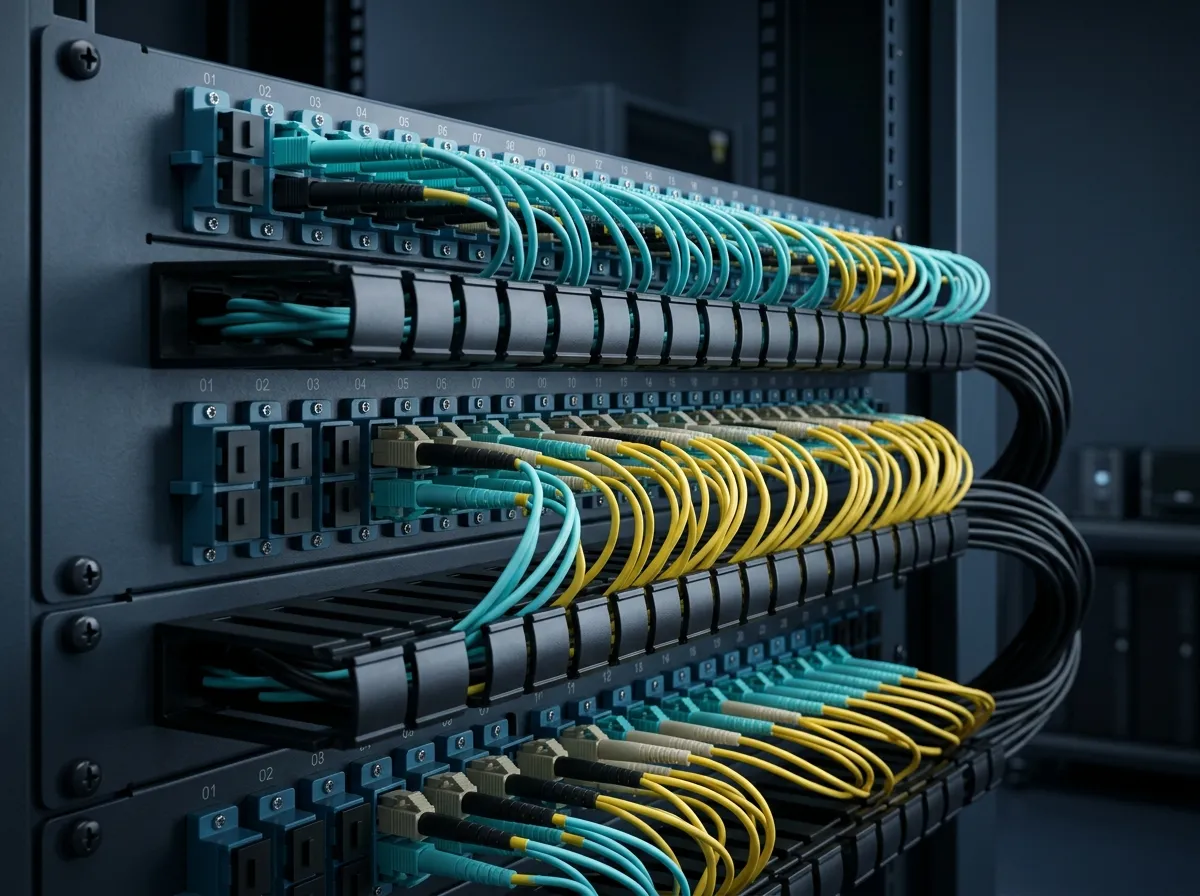
Real networks are mixed: aqua multimode cords for short server links and yellow single-mode for the longer paths, distinguishable at a glance by jacket color and connector polish.
The safe mental model: single mode and multimode are two separate cable plants. Decide which one a given path belongs to at design time, document it, and never let a patch cord bridge the two.
Where Each Fiber Is the Default: FTTH, Campus, and Data Center in 2026
Mapped onto real networks, the split is cleaner than the marketing suggests:
- FTTH / FTTA / access (single mode, always). GPON/XGS-PON from the OLT to the ONT is single-mode by standard — the drop cable is typically bend-insensitive G.657 single-mode — and every telecom backhaul and 5G fronthaul run between sites is OS2. If you are deploying fiber to homes or towers, the single-mode decision was made for you. (A rare in-home multimode LAN for future 25G/50G video is a genuine but niche exception; the service itself is still single mode at the ONT.)
- Campus and building backbone (single mode, increasingly; multimode where legacy plant exists). Building-to-building and floor-to-floor runs commonly exceed 300 m or carry a 10-year upgrade expectation — both arguments for OS2. Inside a single floor, legacy OM1/OM2 plant survives for 1G; new short links default to OM4/OM5 if optics cost rules, or OS2 if the backbone is being standardized on one fiber for everything.
- Data center (multimode inside the room, single mode between rooms — and the boundary is moving). Intra-rack and intra-row links (≤100 m) are still overwhelmingly multimode, where 850 nm SR4/SR8 optics are the cheapest ports and OM4/OM5 handles 100G at 100 m comfortably. Top-of-rack to spine links beyond 100–150 m, and everything at 400G/800G, tilt single-mode: 400GBASE-DR4 (500 m) and FR4 (2 km) and the 800G DR8 generations are all single-mode optics. The 2026 trajectory is not "multimode is dying" — it is "multimode keeps the cheap short links, single mode takes every link where distance or rate pushes past the VCSEL envelope." For the full landscape of what fiber is used for — from sensor networks to undersea — see our what is fiber optics used for guide.
One framing worth stealing from the standards bodies: The Fiber Optic Association's cable plant nomenclature treats OM3-era premises cabling as "laser-optimized 50/125 with LC connectors and VCSEL transceivers" — the system is defined by fiber + connector + transceiver together, not by the cable alone. Design your plant the same way.
How to Choose: A Five-Question Decision Path
Work these in order; each one narrows the field:
- What is the longest link you will actually run? Under ~100 m, both families work and the decision falls to questions 2–4. Over ~400 m, single mode is effectively mandatory for anything above 1G — stop here and choose OS2.
- What speed do you need at the end of the cable's life, not its first day? If 100G-per-link or beyond is plausible on the same fiber within ~5 years, single mode removes the re-cable risk. If 10G/25G is the ceiling and the links are short, OM4 handles it with margin.
- Are all the links inside one building/room, or do any cross buildings/campus? Any inter-building run over a few hundred meters — or any run you cannot easily re-pull — argues OS2 for that segment, even if the intra-building short hops stay multimode.
- Is there existing plant to respect? Legacy OM1/OM2, existing SR transceivers, or an installed MPO trunk system all bias toward matching the installed base. Never design a new link to "upgrade" an old one by mixing families — replace the segment instead.
- Who owns the total cost over 5 years? Count optics per port, not cable per meter, and add the expected re-cable probability. Short links, many ports, stable speeds → multimode wins the math. Few long links, high speeds, long asset life → single mode wins even at higher optics prices.
A working summary table for the defaults:
Your situation | Sensible default |
|---|---|
FTTH/FTTA, metro, campus, any inter-building run | OS2 single mode |
Dark fiber you will keep and light at ever-higher rates | OS2 single mode |
Data center intra-rack / intra-row, ≤100 m, 10G–100G | OM4 (or OM5 for BiDi/SWDM) multimode |
Building backbone >300 m or 10-year horizon | OS2 single mode |
Legacy OM1/OM2 plant staying at 1G | Keep OM1/OM2, don't extend it |
The manufacturer note you came for: DYS Fiber Optic manufactures both families in-house — single-mode and multimode cable across our indoor and outdoor ranges (UL OFNR/OFNP and CPR-classed jackets available) and OM3/OM4/OM5 multimode assemblies in our MPO/MTP data center line — so we have no product-line bias to protect in this argument. When the spreadsheet lands on a borderline, ask us for both sides of it: spec sheets and loss budgets for the single-mode and the OM4/OM5 option on your actual link lengths. Send us your distances and rates and we will come back with the recommendation we would install ourselves.
FAQs
Can you mix single mode and multimode fiber? No. The core sizes (9 µm vs 50/62.5 µm) and operating wavelengths (1310/1550 nm vs 850 nm) are incompatible: splicing them creates loss and reflections, and transceivers are designed for one fiber type only. Keep the families separate and convert electrically, or re-cable the segment.
Is OM3 fiber single mode or multimode? Multimode. OM1–OM5 are all multimode designations; OM3 is the laser-optimized 50 µm grade (2,000 MHz·km effective modal bandwidth) that made 10GBASE-SR practical to 300 m. Only OS1/OS2 denote single mode.
Which is faster, single mode or multimode fiber? Neither has an intrinsic "speed" — both carry the same Ethernet rates. The difference is reach at a given rate: multimode's bandwidth-distance budget shrinks as speed rises (100G over OM3 = 70 m), while single mode carries any rate to 10+ km. At equal short reach, multimode's cheaper 850 nm optics often win the value argument.
Which is more expensive — single mode or multimode? The fiber cable itself is comparable (OS2 is often cheaper per meter than OM4). The gap is in optics: single-mode modules cost more than multimode SR modules at the same rate, and the gap grows with speed. Multimode wins total cost when links are short and ports are many; single mode wins total-cost-of-ownership when reach or future speed would otherwise force a re-cable.
Single mode or multimode fiber for home use? Your fiber internet service is single mode end to end — the ISP's GPON signal arrives on single-mode (G.657) drop fiber to the ONT. Inside the home, the connection from the ONT is usually copper Ethernet, and if you run in-home fiber for a future 10G+ LAN, either family works at home distances — buy OS2 if you want it to match the service and be future-proof.
How do I tell whether a cable is single mode or multimode? Three checks in order: jacket color (yellow = single mode; orange = OM1/OM2; aqua = OM3/OM4; lime green = OM5, per TIA-598), the printed legend on the jacket (fiber type and core/cladding, e.g. "OS2 9/125" or "OM4 50/125"), and — for installed, undocumented cable — an OTDR/loss test. Color is a convention, not a guarantee; the print legend outranks it, and outdoor black-jacketed cables carry no color signal at all.