
FTTH Access
GPON vs XG-PON vs XGS-PON: Bandwidth & Upgrade Guide
GPON vs XG-PON vs XGS-PON is a comparison of three generations of the same passive optical network, running on the same fiber — and the line rates are what separate them. GPON carries 2.488 Gbit/s downstream and 1.244 Gbit/s upstream, XG-PON pushes downstream to 9.953 Gbit/s while leaving upstream at 2.488 Gbit/s, and XGS-PON makes both directions 9.953 Gbit/s. Everything that follows — cost, upgrade risk, which one suits your project — comes out of that one asymmetry.
The vendor blogs agree on those numbers and then stop, which leaves the actual decisions unanswerable. What they rarely tell you is how much of that shared capacity a subscriber can really use at 1:32 or 1:64, why the wavelengths matter more to your outside plant than the bit rates do, and what an upgrade physically changes on the ground. This comparison works through all three questions, and every figure is current as of September 2026.
GPON vs XG-PON: The Short Answer, and Where XGS-PON Fits
Pick by what the network has to sell, not by the biggest number in the table:
- Greenfield residential build where cost per home is the deciding constraint → GPON. It is still the cheapest way to light a subdivision, and the passive plant you install works with the 10G generations later.
- Competitive overbuild, or any ISP selling symmetrical gigabit tiers → XGS-PON. Symmetrical 9.953 Gbit/s is the generation where upstream stops being a planning constraint.
- Downstream-heavy demand with staged capital → XG-PON. It buys roughly four times the downstream of GPON without touching the outside plant, and it is the middle rung if your upstream demand is still mostly best-effort.
Standard | Downstream | Upstream | Wavelengths (down / up) | Fits when |
|---|---|---|---|---|
GPON (ITU-T G.984) | 2.488 Gbit/s | 1.244 Gbit/s | 1490 nm / 1310 nm | Cost-led residential builds; tiers that stay under a few hundred Mbit/s |
XG-PON (ITU-T G.987) | 9.953 Gbit/s | 2.488 Gbit/s | 1577 nm / 1270 nm | Downstream-heavy demand, staged capital, upstream not yet a bottleneck |
XGS-PON (ITU-T G.9807.1) | 9.953 Gbit/s | 9.953 Gbit/s | 1577 nm / 1270 nm | Symmetrical gigabit services, MDU and business access, new builds you don't want to re-plan |
The rates above are the nominal line rates defined by the standards, not the throughput a subscriber sees. GPON comes from the ITU-T G.984 series, XG-PON from G.987, XGS-PON from G.9807.1 — approved in 2016 — and the 40-gigabit NG-PON2 generation from G.989. Where the ports live, how the splitters cascade and how the drop segments are built is outside-plant work, and our FTTH access network deployment guide covers that side end to end.
Bandwidth: Line Rates, Split Ratios, and What Each Subscriber Actually Gets
The number that matters in a PON is not on the datasheet. A PON port serves a whole splitter tree, and every subscriber on that tree shares the same capacity: downstream traffic is broadcast to all of them and filtered by each ONT, while upstream is arbitrated in time slots so that only one ONT transmits at a time. So the useful number is the line rate divided by the split ratio — and the rate pairings to divide are the ones summarized in the Fiber Optic Association's PON migration reference: 2.5/1.25 Gbit/s for GPON, 10/2.5 for XG-PON, 10/10 for XGS-PON.
Subscribers per port | GPON down / up | XG-PON down / up | XGS-PON down / up |
|---|---|---|---|
32 (1:32) | 78 / 39 Mbit/s | 311 / 78 Mbit/s | 311 / 311 Mbit/s |
64 (1:64) | 39 / 19 Mbit/s | 156 / 39 Mbit/s | 156 / 156 Mbit/s |
128 (1:128) | 19 / 10 Mbit/s | 78 / 19 Mbit/s | 78 / 78 Mbit/s |
Those are theoretical peak shares — the arithmetic outcome of 2.488 Gbit/s and 9.953 Gbit/s spread across the split — not guaranteed service levels. Real networks oversubscribe on purpose, because subscribers rarely pull at line rate simultaneously, and that is precisely why the upstream column deserves attention: it is the column that turns into customer complaints first.
Read the upstream side of that table and the generational story changes. GPON's 1.244 Gbit/s upstream split 32 ways leaves about 39 Mbit/s per home even in the ideal case. XG-PON does not fix that; it raises only the downstream, so an XG-PON port still shares 2.488 Gbit/s of upstream. XGS-PON is the first generation in this family where upstream is a straightforward multiple of the older one, which is why symmetrical 1G and 2G business tiers are practical on it and awkward on the others.
That is also the honest answer to whether XGS-PON is "better" for latency-sensitive traffic such as gaming. Both generations schedule upstream in time slots, so the structural difference is not in the mechanism but in the queue: when a port is busy, GPON runs out of upstream capacity first. If your package is 500 Mbit/s, per-subscriber share at 1:32 (78 Mbit/s downstream, 39 Mbit/s upstream) is what a heavy household can actually reach, not the 2.488 Gbit/s on the datasheet. Sizing the splitter tree properly is therefore a bandwidth decision before it is a fiber-count decision.
Wavelengths: Why GPON and 10G PON Can Share One Fiber
The reason a 10G upgrade does not require new cable is that the two generations transmit in different windows of the same single-mode fiber. GPON uses 1490 nm downstream and 1310 nm upstream; XG-PON and XGS-PON use 1577 nm downstream and 1270 nm upstream. Conventional analog video overlay traffic sits at 1550 nm — the band the ITU-T set aside in G.983.3 to add services by wavelength allocation — which is why it has to be kept clear even in networks that no longer offer RF video. It is the third lane on the same road.
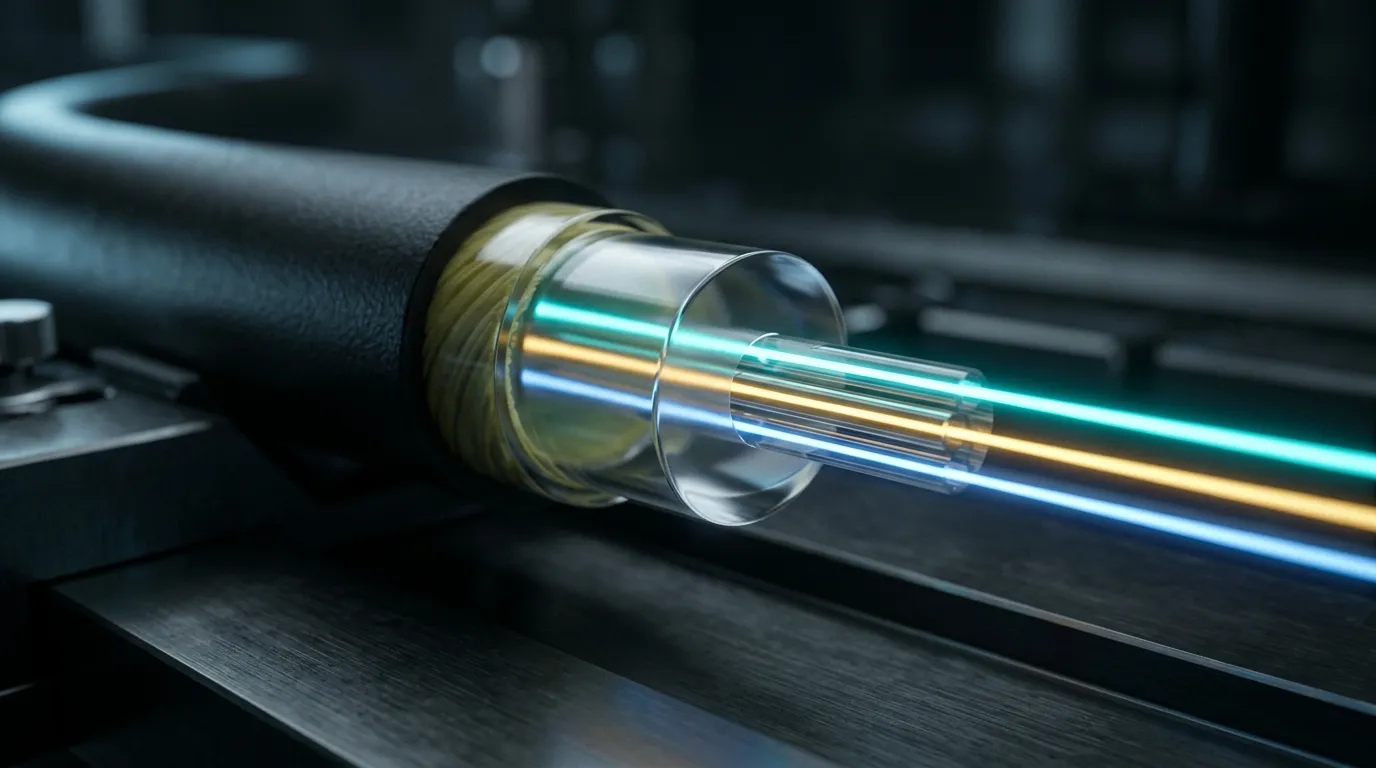
Because the bands do not overlap, both generations can be carried simultaneously on the same feeder fiber, splitters and drop segments. Operators implement this either with separate GPON and XG(S)-PON line cards on the same OLT plus external WDM multiplexers, or with a combo PON port that handles both inside one port. The Fiber Optic Association's migration reference linked above describes both approaches, and states the commercial motive better than any vendor page does:
"They want to save the most expensive part of the system - the cable plant, ODN."— Fiber Optic Association, Migration from GPON to XG(S)-PON
Two clarifications worth holding on to, because both are common sources of confusion.
XG-PON and XGS-PON share a wavelength plan. They both use 1577 nm downstream and 1270 nm upstream, so the difference between them is not optical — it is the line rate of the upstream and the burst-mode optics that support it. On the same ODN, moving an existing XG-PON site to XGS-PON is a line-card and ONT change, not an outside-plant change.
Backward compatibility means coexistence, not interchangeability. A GPON ONT does not negotiate its way into XGS-PON, and an XGS-PON ONT will not register on a GPON-only port. What survives across generations is the physical layer: fiber, splitters, closures, drop cable, connectors, patch panels. The active endpoints change; the single-mode fiber you buried does not.
EPON is the other family in this space — an IEEE 802.3 Ethernet-based line of standards rather than the ITU-T PON line — which is why a GPON vs EPON comparison is a question about ecosystems first and bit rates second.
The Upgrade Path: What Changes, What Survives, and What to Check First
An upgrade touches two things: the OLT's PON ports and every subscriber's ONT. Everything between them was built to be wavelength-agnostic and should be left alone — with one caveat that decides whether the project is a card swap or a re-build.
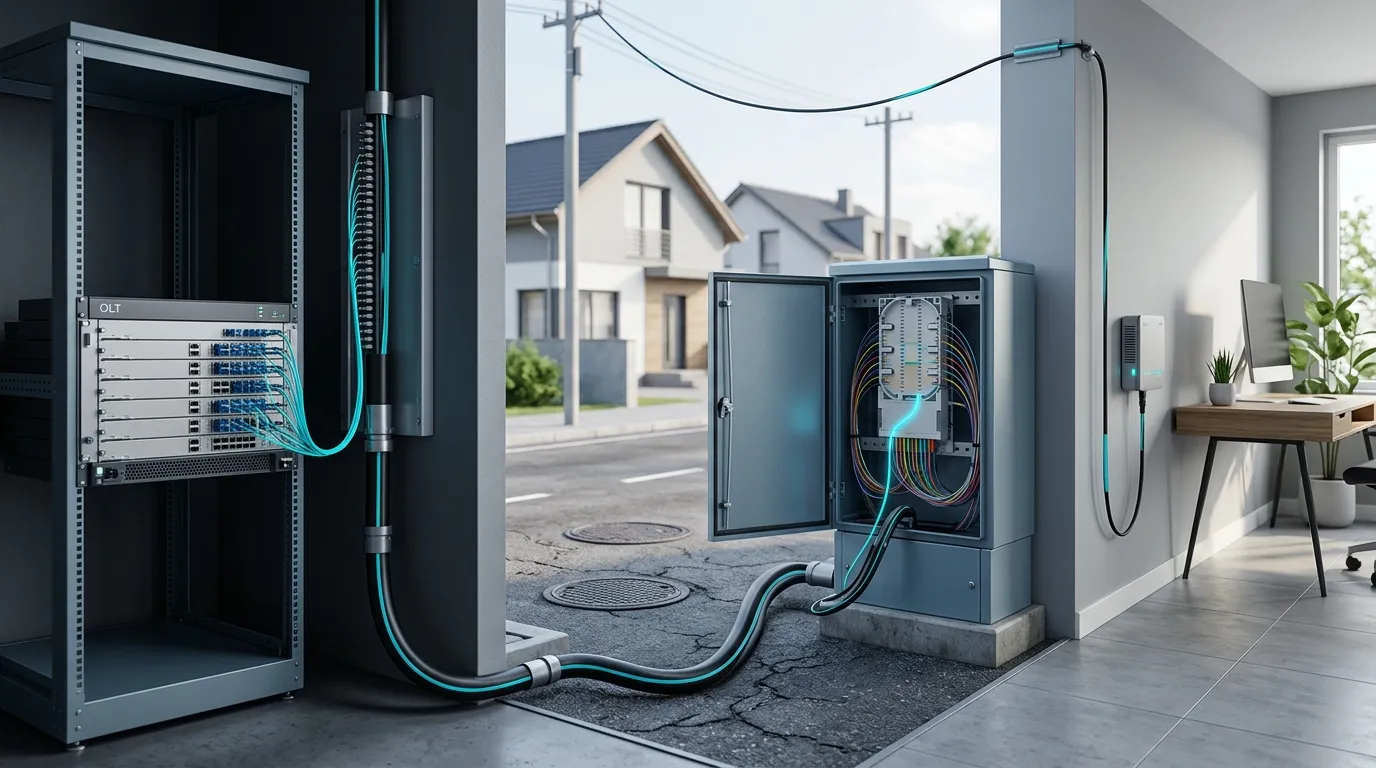
What changes. The OLT side takes new line cards, or a combo PON port if you want both standards on one port. The subscriber side takes new ONTs, and this is the line item that dominates real project cost: a mass ONT replacement is a truck-roll program, with scheduling, swap windows and failed-device handling for every home on the network — not a cost that shows up in a per-port price list.
What survives. Feeder cable, distribution cable, splitter modules, fiber closures, drop cable, connectors and terminal boxes. This is not an accident of design; it is how the standards were written. The 10G-PON standard summary puts it plainly: a PON network is upgradable by changing the terminals at each end, with no change to the fiber itself.
What to check before you commit. The passive plant has an optical budget, and 10G optics do not necessarily have the same headroom as the GPON line you are replacing. The design classes used for 10G PON today sit around 29–31 dB, which is what supports a 1:128 split; the standards work that extends reach adds 33 dB and 35 dB classes, the region where a 128-subscriber PON can span roughly 25 km or more. So the question to answer first is not "which standard" but "what budget does my as-built plant actually have":
- Sum the loss. Feeder and distribution cable attenuation at 1577 nm, every splice, every connector pair, each splitter stage, plus any splitters cascade. If that sum plus a maintenance margin does not fit the class you plan to deploy, the upgrade moves into the outside plant and the cost profile changes completely.
- Check the split ratio, not just the fiber count. Ratios above 1:32 in a 10G design consume budget quickly. A tree that worked at 1:4 + 1:8 in GPON may leave too little headroom when you want 1:128 of 10G.
- Verify the last drop. Voltage-clear, splice-free drops with good connectors are what makes a 10G port behave; marginal old drops show up as intermittent faults after the swap, and the cost lands on field teams. The difference between insertion loss and return loss is worth re-reading before you re-baseline those numbers.
- Bring the documentation with you. As-built records, splice loss and end-to-end test results are what turn this from guesswork into a work order. Networks that skipped acceptance testing during the GPON build are the ones where 10G upgrades turn into fault hunts.
A parallel migration path exists and is used a lot: run GPON and 10G PON side by side on the same plant, move subscribers as their contracts come up for renewal, and decommission the GPON cards when the last ONT is gone. It costs more in port capacity in the interim and less in scheduling risk.
Choosing by Scenario: Greenfield, Overbuild, MDU and Business
Situation | What we would specify | Why |
|---|---|---|
Greenfield residential subdivision, cost-led | GPON | Lowest port and ONT cost; passive plant carries the 10G generations later |
Competitive overbuild, symmetrical gigabit in the marketing | XGS-PON | Upstream is no longer the constraint; one port serves both residential and small business |
Brownfield GPON network, downstream demand growing | XG-PON or XGS-PON on combo ports | Downstream fixed now; keep GPON running for the remaining subscribers |
MDU, shared riser and in-building distribution | XGS-PON | Shared capacity per port matters more when dozens of units sit on one tree — see our FTTH MDU deployment notes |
Business access, 5G transport, backhaul | XGS-PON | Symmetrical rates and per-service QoS on the same plant |
If you are trying to work out which generation you are already on, the fastest signals are the ONT model number, the OLT port configuration in your management system, and a speed test taken at a busy hour: an upstream result that tracks the downstream well above 1 Gbit/s points at XGS-PON, while a downstream-only jump with upstream falling back toward GPON levels under load points at XG-PON. Subscribers cannot infer the standard from a coax-free drop or from the router model alone, and guessing from the marketing tier name is unreliable.
The two common disadvantages of GPON are worth stating plainly, since they are the reason to move: 1.244 Gbit/s of shared upstream is thin once households upload video, back up devices and run cameras, and 2.488 Gbit/s of shared downstream sets a ceiling on the peak tiers you can sell at any ratio above 1:32.
Looking past these three generations, the market has largely stopped waiting for more: Dell'Oro Group's January 2026 forecast expects XGS-PON to dominate the rest of the decade while 50G PON deployments slip. NG-PON2, the 40-gigabit TWDM generation, went to a small number of operators rather than becoming a mass-market step. The practical reading for a planning team is that XGS-PON is the generation to design your outside plant around, and that the next step change is not imminent.
What to Specify in the Outside Plant So the Next Upgrade Stays Cheap
Everything above assumes the passive plant is specified well enough to survive a generation change. Upside is straightforward: get it right once, and the next upgrade is line cards and customer premises equipment. The spend on this side is modest per meter and enormous as a fraction of lifetime network cost — the FOA reference calls the ODN the largest and most expensive element of a PON system, and everything an operator does to avoid rebuilding it is worth doing at the specification stage.
Fiber and budget. Standard single-mode fiber to ITU-T G.652 is the normal choice, and the design decision that matters is how much loss you accept: cable attenuation, splice loss and connector loss all compound, and cheaping out on the last two eats the budget you will want for 10G. Build for the extended-reach class you intend to deploy later, not the one you need today.
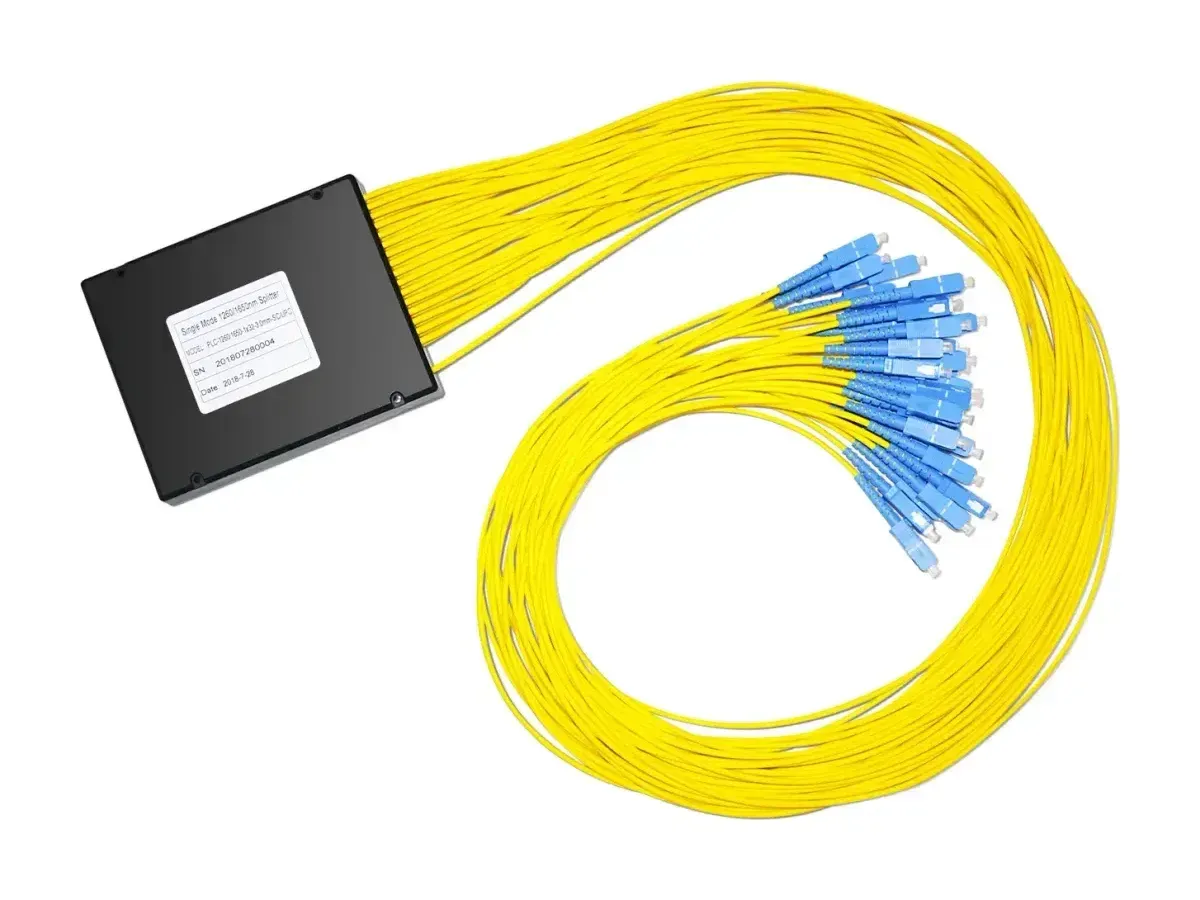
Splitters. Choose the ratio for the reach you need rather than the port count you want, prefer one stage where possible, and standardize the package and connector type across the network — a splitter swap during an upgrade is easy, a connector-type mismatch across a city is not. PLC splitter modules work in the same bands regardless of the PON generation behind them, which is exactly why they carry over.
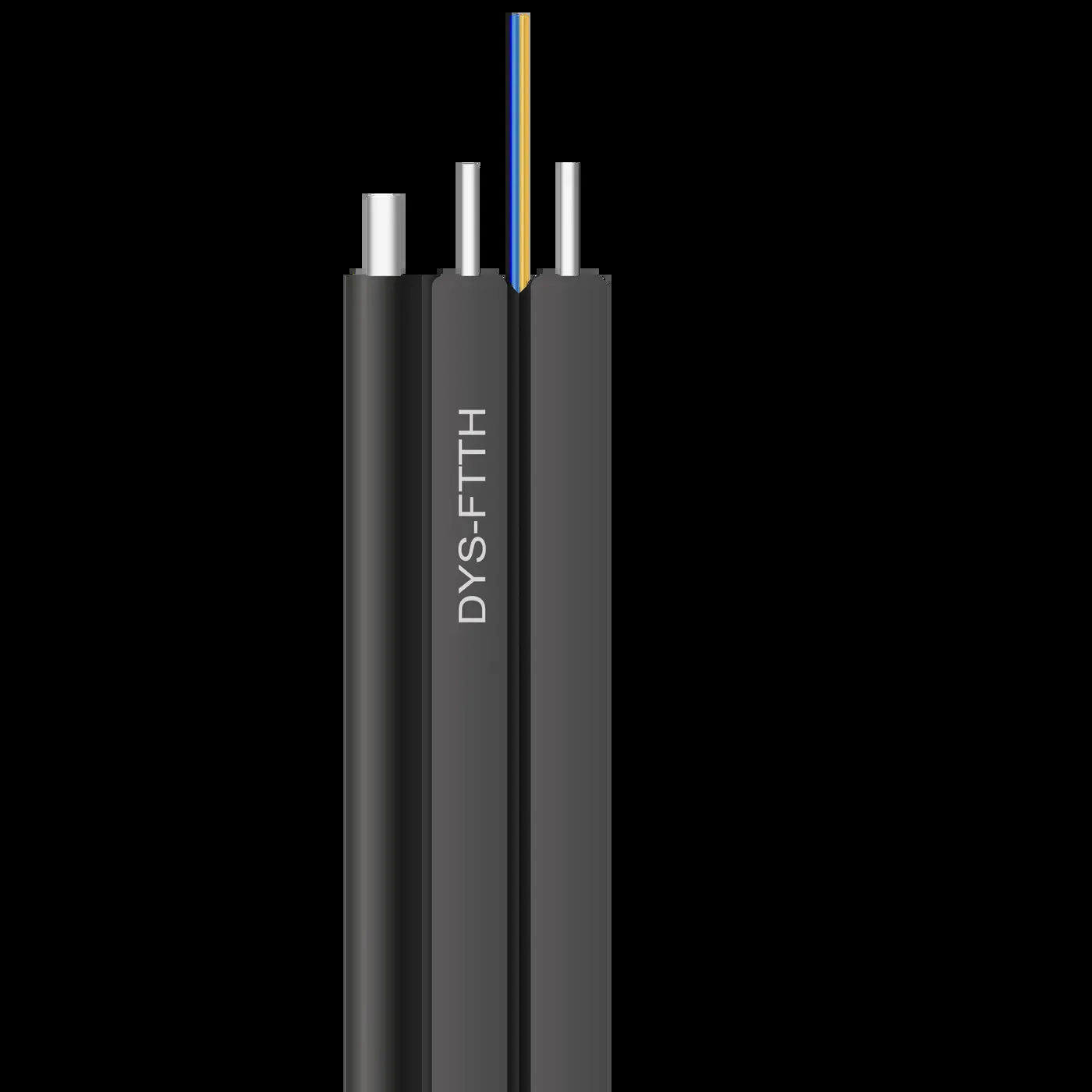
Drop segments. The last few hundred meters are where field cost accumulates. Flat self-supporting drop cable for aerial runs, round construction where duct or conduit is used, pre-terminated assemblies where splicing on site is slow or weather-dependent, and mechanical or fusion splice-on connectors chosen for the crew you actually have rather than the one in the datasheet. Everything terminated outdoors should be sealed to the environmental standard the location demands, not to the cheapest option in the catalogue.
Records and testing. Insist on per-assembly loss measurements, hand over as-built drawings with splice records, and test every drop before it is handed to a subscriber. These are the inputs that make the next upgrade a desk exercise.
DYS Fiber Optic manufactures the outside-plant side of this equation for operators and ISPs — PLC splitter modules and racks, flat and round drop cables, terminal and distribution boxes, and waterproof connectors, with regional certification documentation for the markets we ship into. You can review the FTTH cabling and accessories range or ask for samples to test on your own plant before you commit a design.
The Decision, in One Paragraph
GPON remains a sound, low-cost choice for cost-led residential builds, and its passive plant is what makes the 10G generations cheap to adopt later. XG-PON buys downstream headroom without symmetric optics, and its clearest use case is the staged migration. XGS-PON is the generation to design around if you are building today or upgrading a network you expect to keep selling on: it removes the upstream constraint, shares the same fiber and wavelength plan as XG-PON, and sits where the market has settled for the rest of the decade. Whichever you pick, the work that decides your future upgrade cost happens in the outside plant — and that is the part you can get right now.